
HT Driving School · 2026-09-09
Are You Looking for BDE or HomeLink Guidance?
The phrase “BDE HomeLink guidance” can point to two different needs. You may be looking for an Ontario Beginner Driver Education course, or you may need help programming HomeLink vehicle technology for a garage door, gate, lock, or other compatible device. These are separate subjects, so identify your goal first.
HT Driving School’s course information refers to a self-paced “Home Link” component within its BDE offering. HomeLink, written as one word, is also the name of a vehicle-integrated wireless control system. Similar wording does not establish that the two are connected.
Step 1: Match the wording to your actual goal
Start with the outcome you want rather than the wording of your search.
- You likely mean Beginner Driver Education if you are comparing an MTO-approved driving school, looking for a BDE course in Brampton, seeking an MTO certificate, or arranging driving lessons.
- You likely mean HomeLink vehicle programming if you are asking about a mirror button, overhead-console button, handheld remote, garage door, gate, vehicle lock, or home lighting.
HomeLink is an integrated transceiver designed to operate compatible radio-frequency devices. It is not a driver-education course or a substitute for driving instruction. The manufacturer describes applications including garage-door openers, gates, entry locks, and lighting systems in its HomeLink support information.
Stop point: Do not use vehicle-programming instructions to complete a BDE course, and do not contact a driving school expecting it to configure automotive electronics. Continue with only the section that matches your goal.
Step 2: If you mean Beginner Driver Education, follow the BDE path

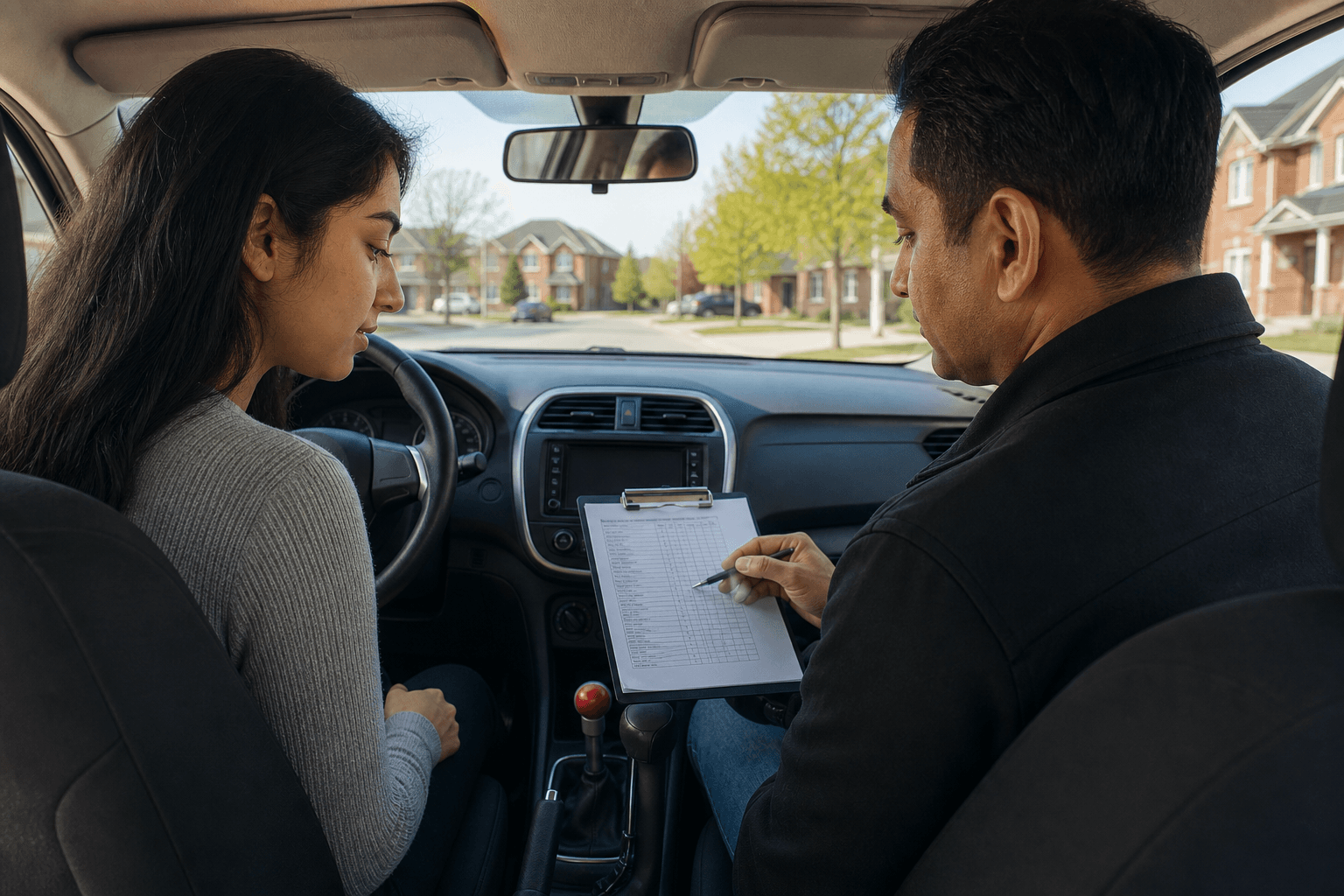
Beginner Driver Education is the relevant route when your goal is to learn safe driving skills and complete structured driver training in Ontario. HT Driving School is a Brampton, Ontario driving school and MTO-approved BDE course provider serving learners in Brampton, Mississauga, Etobicoke, and Toronto.
According to the school’s course information, its BDE structure combines:
- 20 hours of self-paced online e-learning
- 10 hours of self-paced “Home Link” learning
- 10 in-car lessons
That wording describes a component of the driving-education offering. It should not be treated as evidence that the course includes HomeLink vehicle programming. If the meaning of “Home Link” matters to your enrolment decision, ask the school to explain the component before registering.
What to confirm before enrolling in a BDE course
A useful BDE comparison is more than a price comparison. Confirm these details directly with the provider:
- Approval: Ask whether the provider is MTO-approved and what certificate is issued after successful completion.
- Course structure: Confirm how the online learning, self-paced Home Link component, and in-car lessons fit together.
- Insurance eligibility: HT Driving School states that its BDE course is eligible for insurance discounts. Eligibility and the amount of any discount can depend on the insurer, so confirm details with your insurance provider.
- Instruction format: Ask how lessons are scheduled and whether the provider can accommodate your availability.
- Instructor preference: HT Driving School offers male and female instructor options. Confirm current availability when you register.
- Road-test support: Ask whether practice before the test, a vehicle for the test, or booking assistance is available and whether these services are included or additional.
These questions help you understand what you are purchasing without assuming a guaranteed insurance saving, completion time, or road-test result.
BDE next steps for Brampton and the GTA
- Identify your training level. A complete beginner may need a structured beginner program. Someone with previous experience may instead need intermediate instruction, refresher driving lessons, defensive driving training, or collision prevention training.
- Review the learning components. Make sure you understand the online requirements, the “Home Link” course component, and the in-car lesson arrangement.
- Arrange lessons that fit your schedule. Ask about lesson availability, instructor preference, vehicle arrangements, and the areas served.
- Plan road-test support separately. If you need a car for a road test, a dual-brake vehicle, practice on test day, or early road-test booking assistance, confirm exactly what is offered and any additional cost.
Stop point: Once your question is about vehicle buttons, a handheld remote, a garage-door motor, or a gate receiver, leave the BDE path and follow the HomeLink instructions below.
Step 3: If you mean HomeLink vehicle programming, identify the system first
HomeLink buttons may be located in the rear-view mirror, overhead console, or centre stack. Their location depends on the vehicle make, model, and year, so begin by checking the owner’s manual. HomeLink provides general information about button locations in its programming instructions.
Next, identify the device you want to control and confirm that the vehicle and device are suitable for the same programming process. Instructions can vary by vehicle make and model year. Use the vehicle-specific HomeLink programming resource or search HomeLink’s programming pages by vehicle.
Stop point: If you cannot identify your vehicle’s HomeLink controls, the device’s remote, or the relevant vehicle-specific procedure, pause and consult the owner’s manual or HomeLink support.
Canadian HomeLink programming considerations
Canadian radio-frequency rules can affect programming timing. Some transmitter signals may time out after a short period, preventing HomeLink from learning the signal through a standard press-and-hold method. Certain Canadian vehicle procedures instead instruct the owner to press and release the handheld remote every two seconds while the HomeLink indicator is flashing.
This is not a universal instruction. Follow the procedure for your specific vehicle. Hyundai’s Canadian owner-manual guidance explains this timing approach in its HomeLink programming instructions and provides related guidance in another Canadian vehicle manual.
Rolling-code devices: stop and locate the learn button
Some garage-door openers and other devices use rolling codes. Programming may require pressing a “learn” or “smart” button on the device’s motor unit, then completing the next vehicle step within a limited period.
The button’s location and colour can vary by product. One Kia owner-manual procedure states that the next step must be completed within 30 seconds after pressing the learn or smart button. Read the instructions for your exact vehicle and device before pressing anything, and use the Kia HomeLink owner-manual example only as an illustration of why timing matters.
Safety stop: If you cannot safely reach the motor unit, identify the correct learn button, or confirm that the device is ready to be programmed, stop and obtain the correct manufacturer instructions.
If HomeLink does not work, check the likely causes
- Recheck compatibility and instructions. Confirm that you selected the correct vehicle make, model, year, and device procedure.
- Replace the handheld remote battery if needed. HomeLink states that training can draw more power from the original transmitter battery than ordinary use.
- Consider interference and range. HomeLink identifies interference near the vehicle or home as a possible cause of range problems.
- Check for a rolling-code step. If the device requires a learn or smart button, return to the applicable owner-manual procedure.
- Use official support tools. Consult the HomeLink support page, HomeLink app information, and vehicle-specific programming pages.
Stop point: Do not assume that a failed attempt proves the system is defective or that every garage-door opener and vehicle is compatible.
A final decision check before you continue
| Your goal | Use this route | Next action | Stop if |
|---|---|---|---|
| Learn to drive in Ontario | BDE or driving lessons | Review course approval, components, lessons, certification, and support. | You are being directed to vehicle-device programming instructions. |
| Operate a garage door, gate, lock, or lighting system from a vehicle | HomeLink programming | Identify the vehicle and device, then use the matching manual and HomeLink instructions. | You cannot confirm compatibility, button location, or the learn-button procedure. |
Frequently asked questions
Is the “Home Link” in HT Driving School’s BDE information the same as HomeLink vehicle technology?
The supplied course information uses “Home Link” to describe part of HT Driving School’s BDE structure. HomeLink vehicle technology is a separate vehicle-integrated wireless control system. Do not assume they are the same without confirmation.
Does an Ontario BDE course help me program my vehicle’s HomeLink system?
No supplied evidence describes BDE as a HomeLink programming service. BDE is intended for driver education, while vehicle programming should use the owner’s manual, HomeLink resources, and device-manufacturer instructions.
Where should I find HomeLink instructions for my specific vehicle?
Start with your vehicle owner’s manual, then use HomeLink’s vehicle-specific programming resources. The correct steps can vary by make, model, and model year.
Conclusion: Choose the right guidance before taking the next step
The safest way to interpret “BDE HomeLink guidance” is to separate the two possible meanings. If you need Ontario driver education, focus on MTO approval, course structure, in-car instruction, certification, insurance-discount eligibility, and road-test support. If you need to connect a vehicle to a garage door, gate, lock, or other device, focus on compatibility and vehicle-specific HomeLink instructions.
Learners in Brampton and the GTA can review HT Driving School’s MTO-approved BDE options. Vehicle owners should use their vehicle owner’s manual and HomeLink’s programming guidance for setup questions.